
Resources
Resources are the fuel of progression: they are used to open mines and craft equipment and artifacts. They are stored in the backpack, not in the inventory.
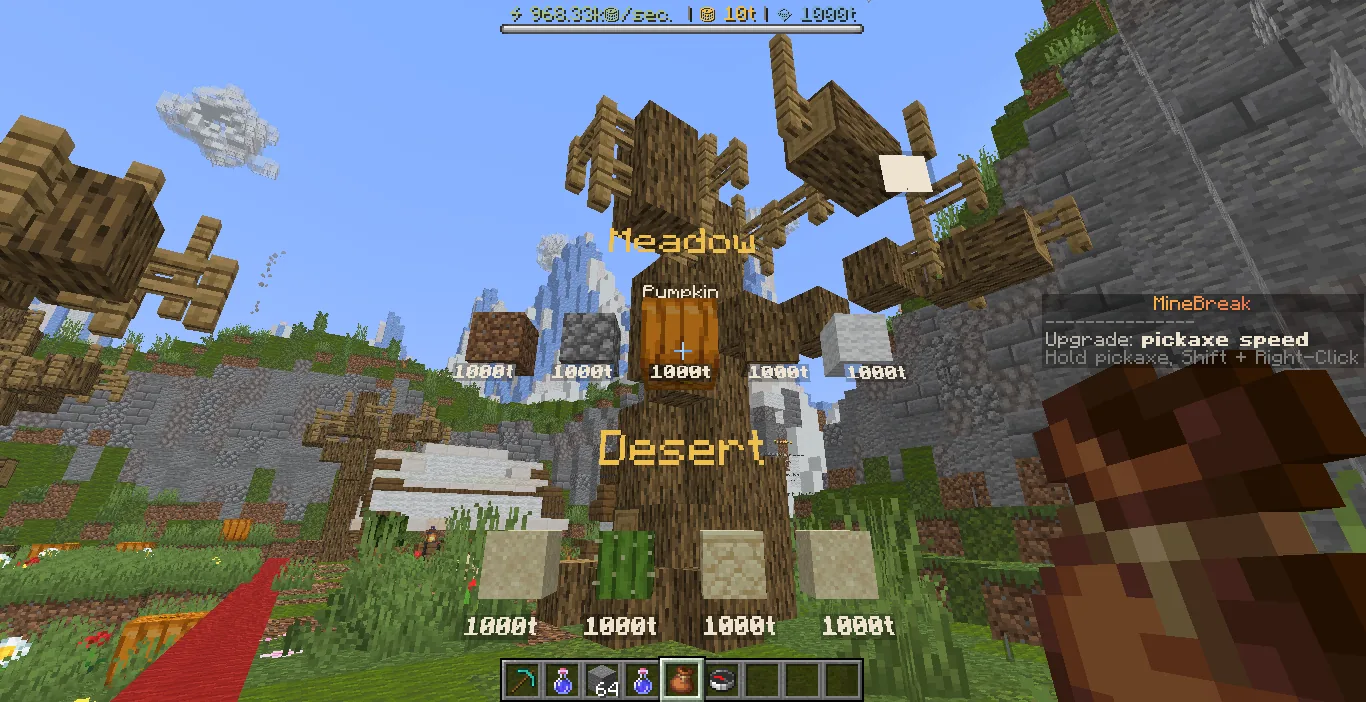
Currencies and CPS on the screen
A bar with balance and income is always visible at the top of the screen: how many coins are dropped per second (CPS), how many coins are in the account and how many crystals. This is the main indicator of progress - as CPS grows, so does income.
A backpack, not an inventory
Broken blocks do not clog inventory: resources are immediately credited to the backpack. Open it with the command /backpack - a panel with resources grouped by mines will appear in front of you. Hover over an item to see its name, scroll with the wheel or drag the slider on the right.
The backpack is not lost upon death and does not take up slots. Without interaction, the panel will close itself in half a minute - this is not a loss, the resources remain in place.
The closest target in the scoreboard
To the right of the screen there is always a scoreboard with the nearest goal: the next level of the pickaxe, available crafting, opening the next mine or purchasing at prestige store. When the goal is achieved, he himself shows the next one.
Where to get it
Resources fall from the blocks of the corresponding mine and from mobs. Rare ones (diamonds, emeralds, sponge, obsidian) are needed for expensive discoveries and crafts.
Scarce resources can be purchased in the store for coins. But first check if they are needed for the next mine or set.